Follow the below mentioned steps to install Amazon Associate Connector App to your Shopify store.
Step 1: Login to your Shopify store admin and click on the left menu: Apps.
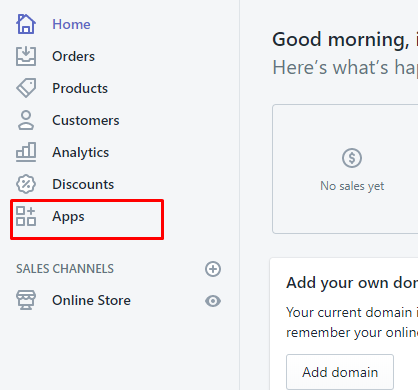
Step 2: Now click on the button Visit Shopify App Store as highlighted in the below screenshot.

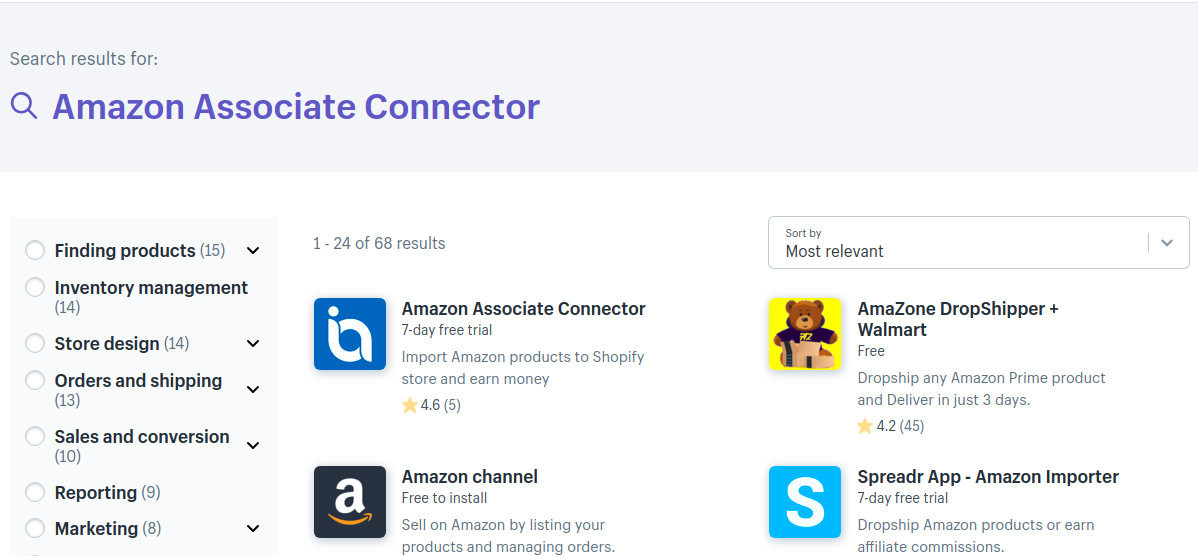
Step 3: Type the App name Amazon Associate Connector in the search box at Shopify app store. Click on the Amazon Associate Connector app as shown in the below screenshot.
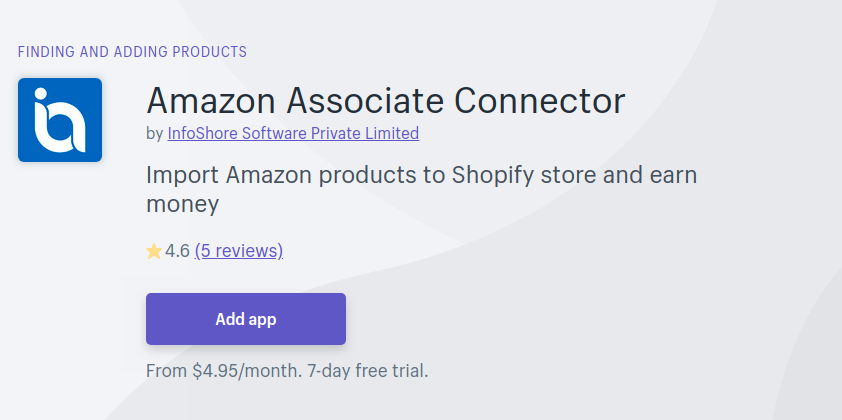
Step 4: Click on the Add app button.
Step 5: It will ask for the authorization to install the app. Click on the Install app to complete the installation.

NEXT STEP:
Click here to know how to import Amazon products to your Shopify store.